Using memorial QR codes thoughtfully at a funeral service
Practical advice for placing, printing, and checking a memorial QR code, with a welcoming alternative for guests who prefer a written link.
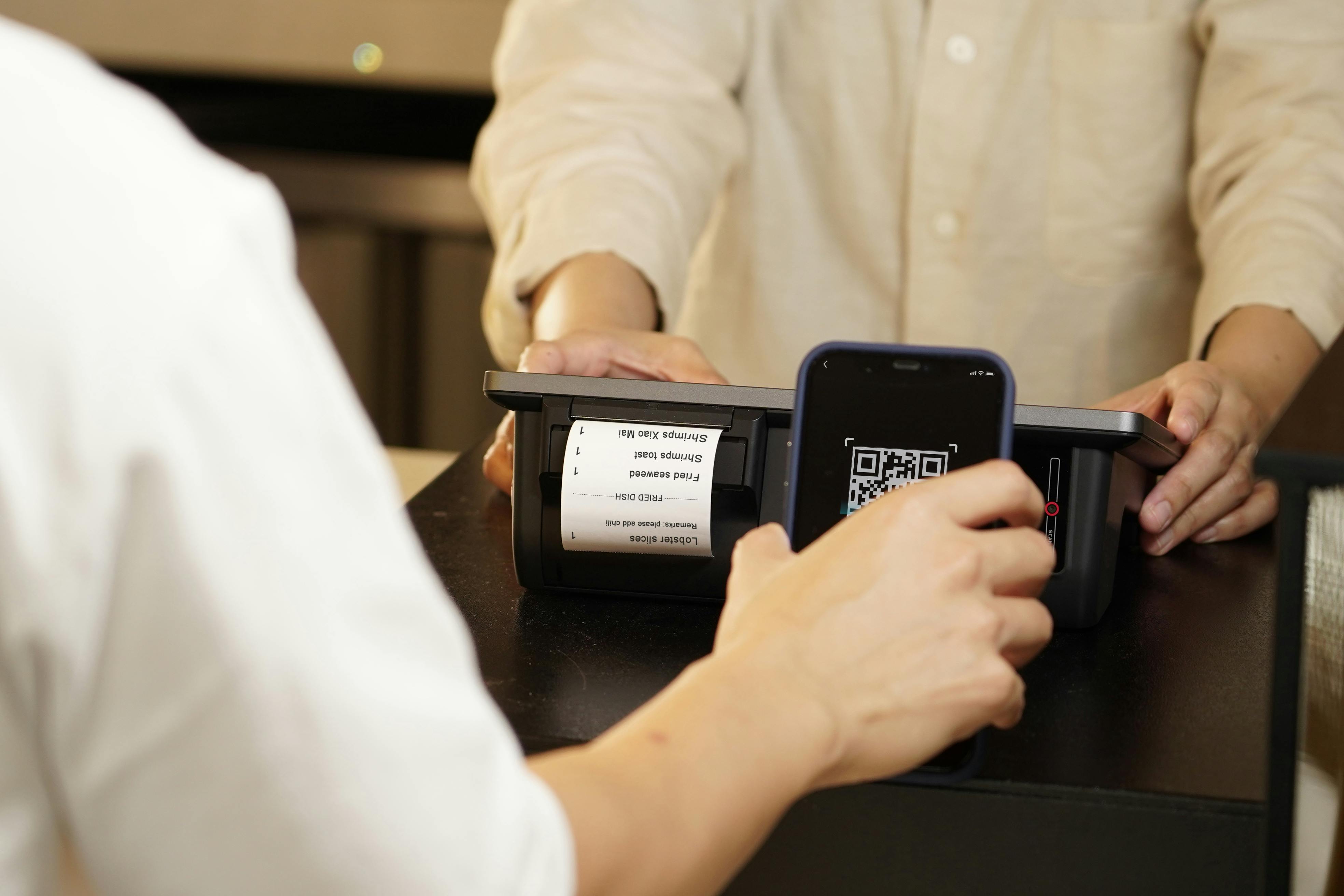
A QR code can give guests a simple way to open a memorial page from an order of service, a welcome table, or a small card to take home. It works best when its purpose is clear and using it feels optional.
Say what the code opens
A square code on its own asks guests to guess. Add a short invitation such as “Share a memory of Eleanor” or “Visit Eleanor’s memorial”. If the page contains photographs and service information as well, a brief line can explain that without turning the card into a list of features.
Include the written memorial address alongside the code. This gives people another way to visit, lets them keep the address for later, and makes the destination easier to recognise before scanning.
Choose one or two useful places
A welcome table or the final page of an order of service may be enough. The code does not need to appear everywhere. Think about when guests will have time to use it, whether they can get close enough to scan it, and whether they can take the link home.
For a displayed card, choose a quiet place with good light. Avoid reflections from glossy covers or frames. For printed booklets, keep the code away from folds, binding, and edges that might be trimmed.
Keep the print clear
Use a dark code on a light background and preserve the clear space around it. Do not stretch it, place text over it, or add decoration inside the pattern. If you resize a design, test the final size rather than assuming the larger version’s result still applies.
Print a sample using the paper and printer intended for the service. Check it on more than one phone, at the distance guests will use it, and in similar lighting. The right size depends on the layout and viewing distance; the printed test is more useful than a single rule for every card.
Test the destination as a visitor
Check that the code opens the published memorial, not an editing screen or private preview. Use a browser that is not signed into the management account. If the family has chosen a password, agree on how invited guests will receive it.
Also test the written address. Once materials have been printed, avoid changing the memorial’s address without checking the effect on those copies. Keep the page’s name and portrait recognisable so guests can see they have reached the right place.
Keep the invitation gentle
Some guests will scan immediately; others may prefer to remember quietly or visit later. A small card can offer both possibilities. There is no need to ask everyone to contribute during the service.
See Memorual for funeral homes for an overview of memorial pages and the printable QR keepsakes your team can prepare.